
For people working with us
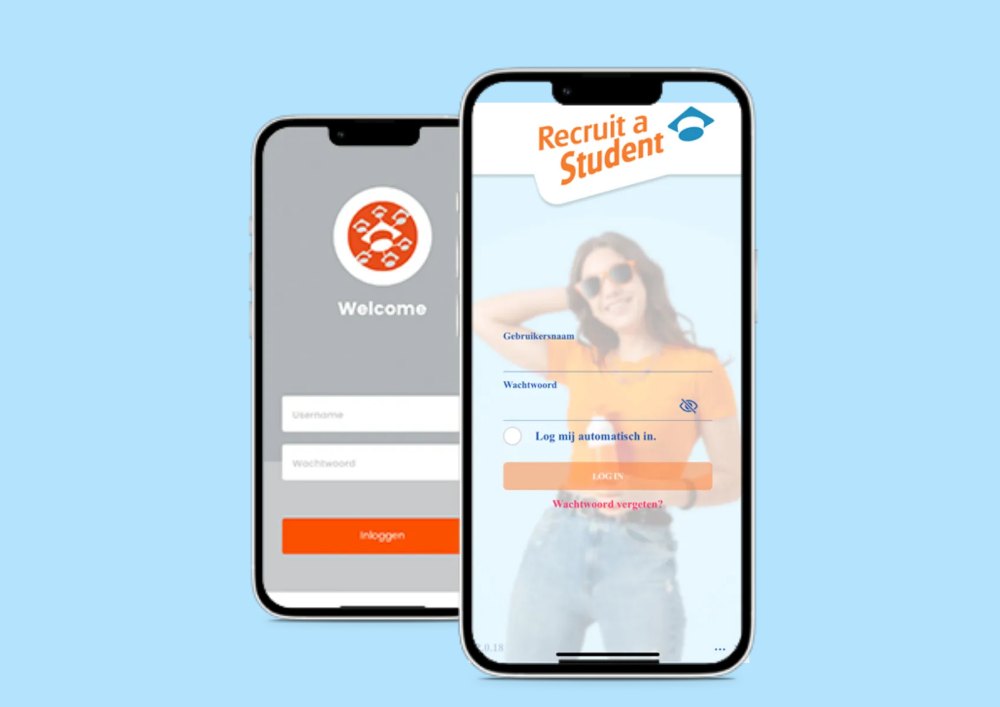
Manage your work in the Poolmanager app
Working with Recruit a Student? Everything is handled in the app: your schedule, your availability and your application for a new job.
- Check your schedule
- Submit your availability
- Apply to new vacancies
What the app does
Three things, and you do them on the move
Check your schedule
When you work, where you are expected and with whom. You check your hours right in the app.
Submit your availability
Tell us each week when you are free. Your account manager plans around it, so you block out your exam week yourself.
Apply to new vacancies
If a job comes up that fits your hours, you apply from the app. It all happens right in the app.
Download
Getting the app
You log in with the account you received when you signed up.
How to start
From signing up to your first schedule
Sign up
Signing up gives you your account, which you need to use the app.
You receive your login details
Your account manager gives them to you, along with the briefing for your first assignment.
Submit your hours
From then on you enter your availability in the app and see your schedule as soon as it is ready.
Questions
What students ask us about this
No. The app is part of your job and it is free.
No. You log in with the account you get after registering. Sign up first and the rest follows.
No. Your account manager is still available by phone, email and WhatsApp. The app just saves you calling about your schedule.
More from us
Two more things you can use
Are you an employer? In Poolmanager you schedule your fixed student pool and see who is available.
Go to pool managementReady to sign up?
Sign up and your account manager gets in touch. After that you receive your login details for the app.