For people working with us
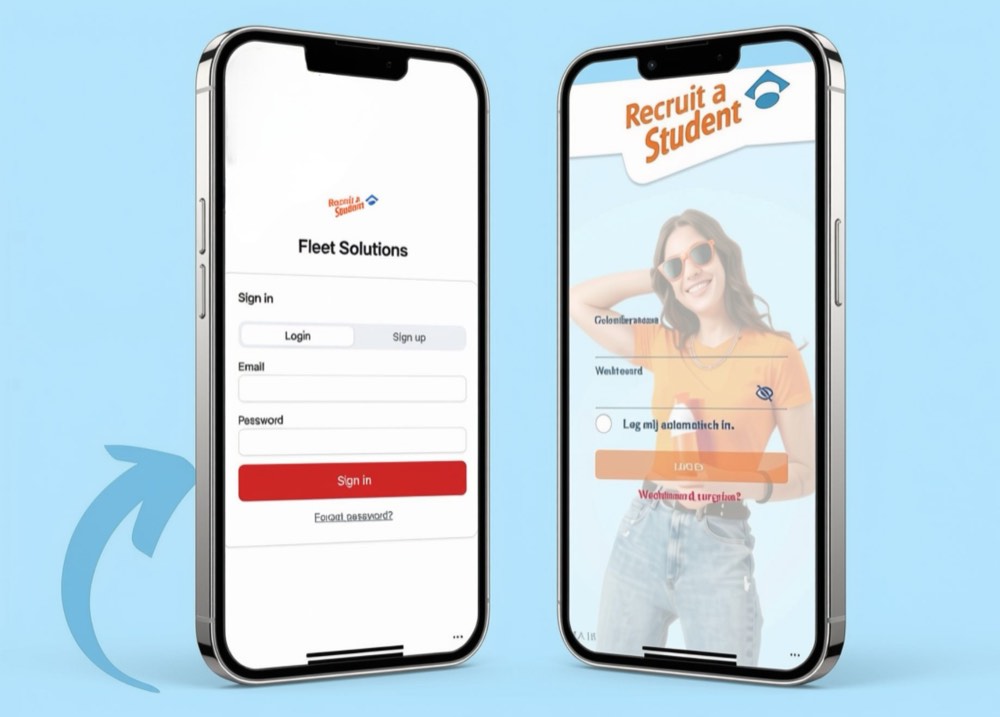
Track your assignments in Fleet Solutions
If you work in vehicle preparation, every vehicle is in here: what needs doing, what you have done and what is still open.
- Manage fleets efficiently
- Track vehicle preparations easily
- Always a clear overview per vehicle
What it does
One overview, per vehicle
Managing fleets
All the client’s vehicles are listed, with their condition and what still needs doing.
Tracking preparations
You check a vehicle in, tick off the steps and check it out. Whatever you tick, the client sees straight away.
Overview per vehicle
For each vehicle you see who worked on it and when. Everything in one place, recorded once.
How an assignment works
From check-in to check-out
You pick up a vehicle
You see which vehicles are waiting and what preparation each one needs.
You work through the steps
You tick off each step as you finish it, so your colleague can see where you got to.
You check the vehicle out
The vehicle then shows as ready in the overview and the client knows it can leave.
Who it is for
Do you work in vehicle preparation?
Fleet Solutions belongs to assignments in transport and automotive: preparing vehicles for rental, delivery or servicing. In another sector you use the Poolmanager app.
Questions
What students ask us about this
No. You are shown the ropes on site and work alongside a regular colleague for the first few days.
Yes. Your schedule and availability stay in the Poolmanager app. Fleet Solutions is only about the vehicles you work on.
That depends on the assignment. For moving vehicles on site, clients usually ask for a category B licence. Your account manager tells you in advance what applies to your assignment.
Ready to work in transport?
Sign up and your account manager will look for the assignment that fits your hours and your region.